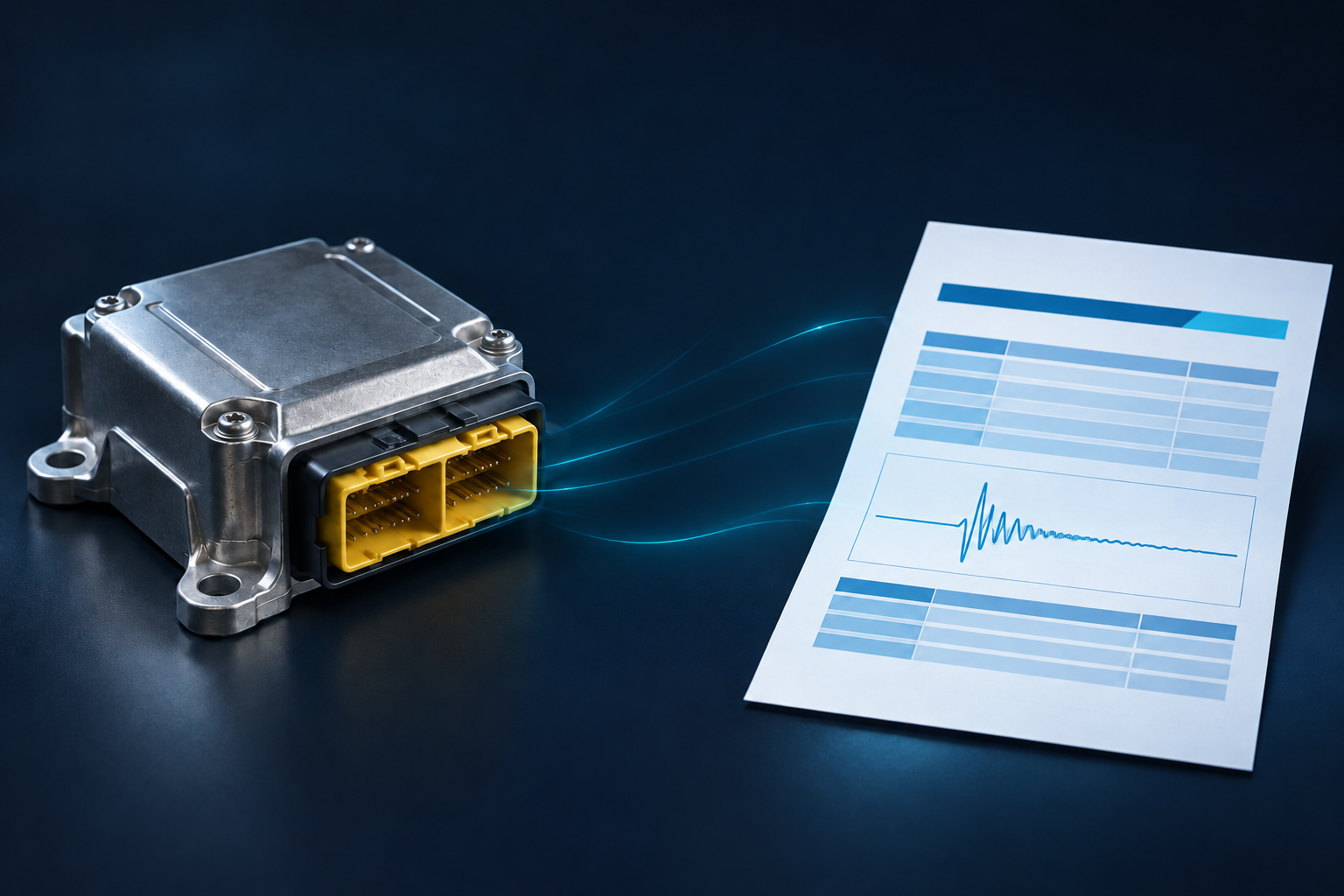
Collision Sciences CrashScan FAQ
Client & technical support
Operational guidance for authorized CrashScan users performing EDR retrieval, troubleshooting field connections, handling reports and preserving vehicle evidence.
01 / In this resource
Before a retrieval
What should I do before an EDR retrieval? Confirm the exact vehicle and market in the current support lookup, document the vehicle and VIN, preserve chain-of-custody information, follow the current acquisition instructions, and avoid actions that could unnecessarily change the vehicle or module state. For damaged or unusual vehicles, review the D2M/Lab Kit guidance or contact Support first.
How do I check whether a vehicle is supported? Use the current CrashScan Vehicle Support Lookup and confirm the exact vehicle and market. Do not rely solely on an old PDF, saved list or prior case because support evolves. If a vehicle is unusual, newly released, market-specific or not listed clearly, contact Collision Sciences Support before acquisition.
What records should our staff keep when performing a scan? Keep the case or claim identifier, VIN, vehicle and module photographs when appropriate, acquisition date and method, user identity, relevant hardware/software information, chain-of-custody information and the original report and raw/source data where available. Follow your organization's evidence and privacy procedures as well as current Collision Sciences guidance.
02 / In this resource
Retrieval & connection
How is EDR data retrieved from a vehicle? A supported vehicle may be accessed through an approved in-vehicle diagnostic connection or, when appropriate, by direct-to-module retrieval after the relevant airbag or restraint control module is removed. The correct pathway depends on the vehicle, module condition and support instructions.
What is direct-to-module (D2M) retrieval? Direct-to-module retrieval is a controlled bench or laboratory workflow in which a supported EDR or airbag control module is connected outside the vehicle using the correct power, ground and communication configuration. It is useful when a vehicle is damaged, inaccessible or cannot be read normally through the vehicle network. Evidence preservation and the approved module-specific procedure are essential.
Can CrashScan retrieve data from a badly damaged vehicle?
Often a removed module can be considered for supported D2M retrieval when normal in-vehicle communication is unavailable. Whether retrieval is possible depends on the exact module, physical condition, support status and communication pathway. Contact Support before opening, powering, desoldering or otherwise altering an evidentiary module.
Does retrieving EDR data erase or change the crash record? A properly performed supported read is intended to retrieve stored information, not intentionally modify the crash event. Investigators should nevertheless follow the approved acquisition procedure, preserve the original report and source data, document the equipment and method used, and avoid unnecessary module manipulation.
What if CrashScan says "Not Connected"? Start with the current Troubleshooting Guide. A common first check is the Bluetooth connection: confirm the adapter is powered, restart the phone if appropriate, then remove/forget and re-pair the adapter using the approved CrashScan pairing method. Do not use the OBD Switch unless CrashScan or vehicle-specific guidance requires it.
What if an EDR scan fails? A failed scan does not automatically establish that the vehicle lacks EDR data. Confirm support for the exact vehicle and market, connection method, power and communication status, required adapter or switch configuration, and current troubleshooting guidance. Escalate unusual or repeated failures to Support rather than repeatedly manipulating an evidentiary module.
What happens if the vehicle is unsupported? Vehicle support should be checked before acquisition. If the exact vehicle, market or module does not have a validated reporting pathway, communication alone should not be treated as supported EDR retrieval. Contact Technical Support for the current options, particularly for unusual, newly released or market-specific vehicles.
03 / In this resource
Results, reports & raw data
What happens after the technician completes a scan? A successful communication or completed scan means the programmed acquisition workflow reached the target module sufficiently to complete its requests. The data are then processed through the CrashScan reporting workflow. A completed scan does not by itself guarantee that a qualifying crash event exists or that every possible data field is present.
What happens if the scan finds no crash data? A no-crash-data result does not mean the scan failed and does not prove that no contact occurred. It means that no qualifying stored event was identified through that supported retrieval pathway. The result should be interpreted using the vehicle-specific recording limits and the other evidence in the case.
Can a report be corrected or regenerated after a scan?
Administrative information such as a claim or case identifier can sometimes be corrected and a report regenerated without changing the underlying acquired evidence. If a report-generation defect or missing display element is identified, Collision Sciences may correct the software or reporting issue and provide access to a regenerated report. The original acquisition and correction history should remain traceable.
How do I request raw, source or discoverable data? Where available, raw/source outputs can be provided for technical review, discovery or independent expert analysis. Preserve the original CrashScan report and case/report identifier, then contact Collision Sciences Support with the case details and the specific format or production need. Availability and format depend on the vehicle, module and acquisition pathway.
What should I send Collision Sciences Support when I need help with a case? Send the VIN, year/make/model and market, case or report identifier, exact error or concern, screenshots, app/device information when relevant, adapter or hardware identifier, and photographs of the connection path or module when the issue may be hardware- or vehicle-specific. For a damaged or removed module, include clear label and connector photographs and describe any prior power, repair or handling.
What if a vehicle security gateway or network architecture blocks normal OBD retrieval? Some supported vehicles may require a different approved pathway when normal diagnostic-link access is blocked or unavailable. Do not attempt an unapproved security-gateway bypass or experiment with unknown wiring. Confirm the exact vehicle in the current support guidance and contact Support about approved alternatives, including direct-to-module processing where available.
Does CrashScan replace an accident reconstruction expert? No. CrashScan retrieves and reports vehicle data. Some reports can add structured context, and Collision Sciences can provide technical or expert services, but complex event matching, reconstruction, biomechanics, legal foundation and testimony may require qualified professional analysis.
04 / In this resource
Support, training & escalation
Can our technicians contact Collision Sciences while they are in the field? Yes. Technical Support can help with connection, vehicle-support, acquisition and report questions. Organizations should provide current user contact information during onboarding so support can identify the authorized user and assist efficiently.
Does Collision Sciences provide EDR training? Yes. Collision Sciences maintains EDR training and field-technician resources covering retrieval workflow, evidence handling and interpretation concepts.
Can Collision Sciences assist with expert interpretation or litigation support?
Yes. Technical Support can address retrieval and report questions. More advanced event matching, reconstruction, formal opinions, affidavits, depositions or testimony may require a separate expert engagement, subject to conflict checks, jurisdiction, qualifications, scope and availability.
05 / In this resource
Platform & legal background
Does CrashScan use Bosch CDR software or produce Bosch CDR files? Current CrashScan customer services do not rely on Bosch CDR software. A Bosch CDR report or .CDRx file belongs to the Bosch acquisition and reporting workflow. A CrashScan acquisition produces CrashScan outputs, including its own reports and, where available, raw or source data. A CrashScan deliverable should not be represented as a Bosch CDR report or .CDRx file.
Are CrashScan reports independent of Bosch CDR reports? Yes. CrashScan and Bosch CDR use separate acquisition and reporting workflows. Where both systems support the same vehicle, comparative testing can be useful for cross-validation, but a CrashScan report is not a Bosch report. Evidentiary reliability should be evaluated from the underlying vehicle data, acquisition and preservation process, applicable definitions and limitations, validation evidence and qualified interpretation.
06 / In this resource
Related public resources
Vehicle Support Lookup CrashScan Troubleshooting Guide D2M / EDR Lab Kit Manual Chain of Custody Form CrashScan & EDR Validation Studies Summary Digital Vehicle Forensic Guideline Expert testimony support (contact us) Collision Sciences Continued Service Public Statement CrashScan FAQ - Getting Started & New Clients